
With the advent of CrewCard’s modern payroll systems, paying superannuation has become simpler and more efficient. Our system provides automated solutions that streamline the process of calculating, tracking, and paying super contributions on behalf of employees.

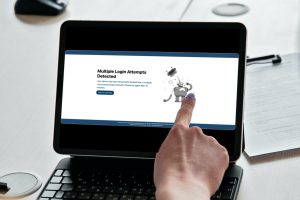
In order to ensure safety and privacy for CrewCard users, we have introduced an extra layer of security.

CrewCard understands that businesses often expand overseas. When doing so, it is vital that the software you're committed to is able to service your business in any jurisdiction.

Payroll is one of the most significant features in the CrewCard Software. This is a means of payment to employees, with a range of functions to make payment a seamless experience.

CrewCard has introduced another layer of security to their software in order to prevent and address the ever growing need for privacy and safety in the digital world.
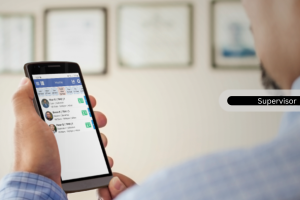
Upon logging into the Crew Portal, crew members are able to easily view their payslips over any time period they wish to select.
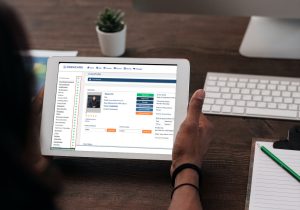
CrewCard enables the customisation of certain pages within the software, offering a personalised template that displays only what you want it to.
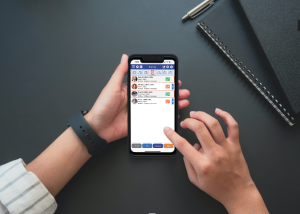
CrewCard offers a range of functionalities on the CrewCard app in order to simplify processes and achieve an efficient order of operations.

In Billing Details Page, Clients are able to add their own billing details into the system, such as their credit card and bank account details.
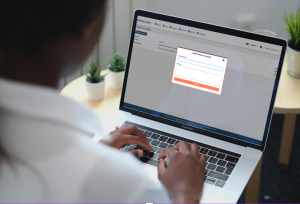
Message Templates enable Admin users/Duty Managers to save commonly used SMS messages within the system and ready to send to Crew Members.

Blocking crew from specific activities allows crew members to work on shifts where the specified activity isn't being carried out.
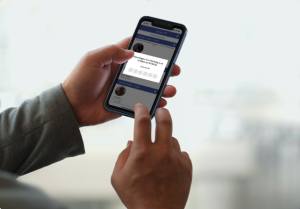
The kiosk is a function located in the CrewCard app, where clients or supervisors are able to Check-In/Out, and Start/End break on behalf of the crew.

Crew Statistics are an informative way to review vital information of your crew.
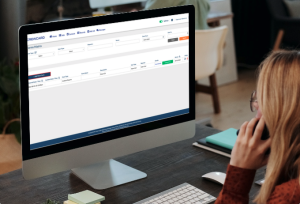
The Forms Matrix is a unique feature that contains all forms submitted by all user types. This provides an all-in-one location to store important documents and information.
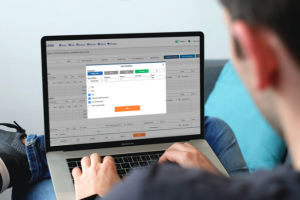
The CrewCard software features automatic scheduling, through which job offers are automatically sent to the qualified crew, based on Rank, On Call availability and proximity.
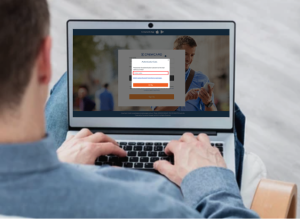
The Two Factor Authentication feature adds a new layer of security to your data. Currently, this is optional and you can turn it ON from the security settings in your crew portal.
Clients may add their supervisors as another sub level to their own access.

Clients or account managers are able to access the CrewCard app to view their own jobs in the system.