
Block Per Activity

Blocking crew from specific activities allows crew members to work on shifts where the specified activity isn’t being carried out.
Kiosk
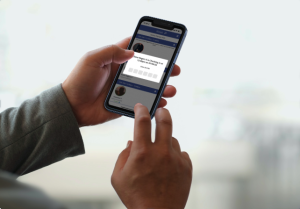
The kiosk is a function located in the CrewCard app, where clients or supervisors are able to Check-In/Out, and Start/End break on behalf of the crew.
Crew Statistics

Crew Statistics are an informative way to review vital information of your crew.
Forms Matrix
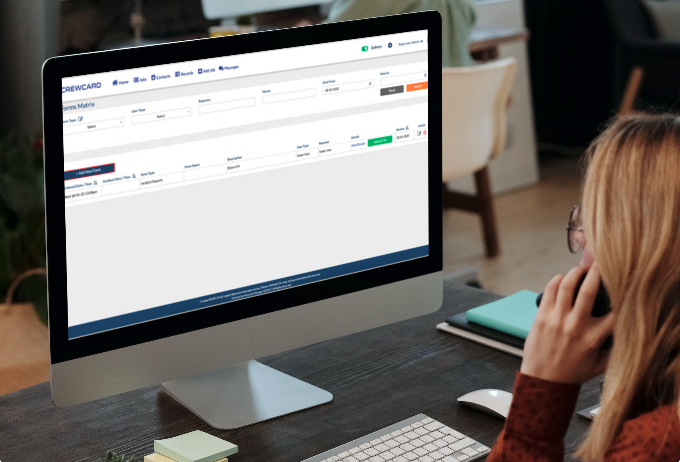
The Forms Matrix is a unique feature that contains all forms submitted by all user types. This provides an all-in-one location to store important documents and information.
Auto Scheduler
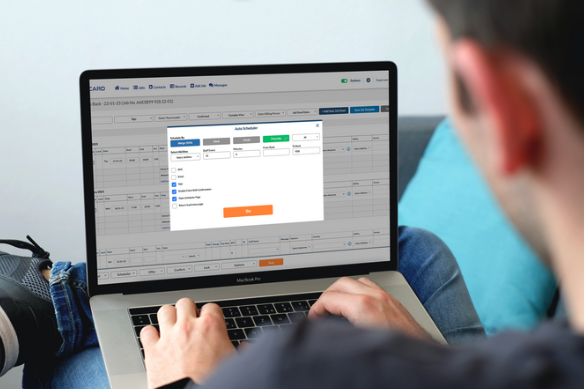
The CrewCard software features automatic scheduling, through which job offers are automatically sent to the qualified crew, based on Rank, On Call availability and proximity.
Crew Portal Two Factor Authentication
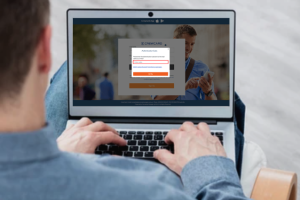
The Two Factor Authentication feature adds a new layer of security to your data. Currently, this is optional and you can turn it ON from the security settings in your crew portal.
Supervisor App Access

Clients may add their supervisors as another sub level to their own access.
Client / Account Manager CrewCard App Access

Clients or account managers are able to access the CrewCard app to view their own jobs in the system.
Stripe Payments for Invoicing

In CrewCard your customers can pay invoices using their credit card or bank account via the secure payment gateway Stripe.
Filter Shift Offers by Proximity to Venues

The Proximity feature makes it easier to get crew to accept shifts in out of the way places or for ASAP bookings by offering work to the closest staff first.